

ADU Layout – GT3 Midline
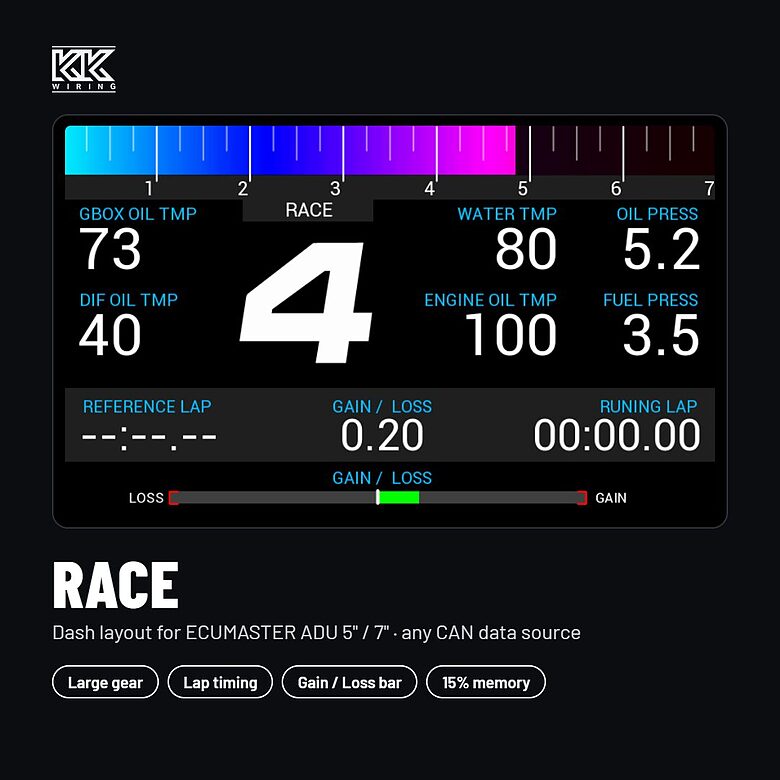
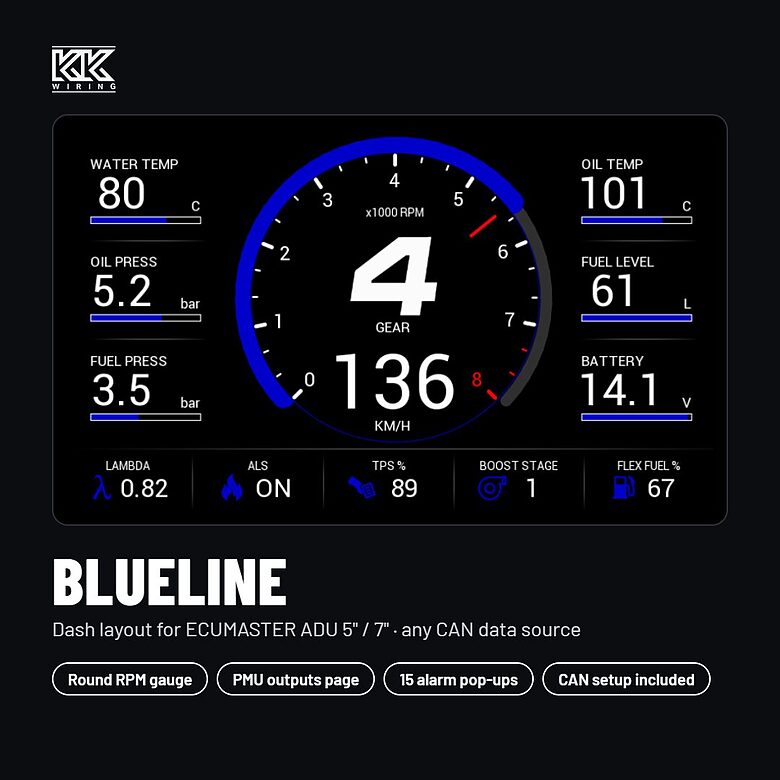
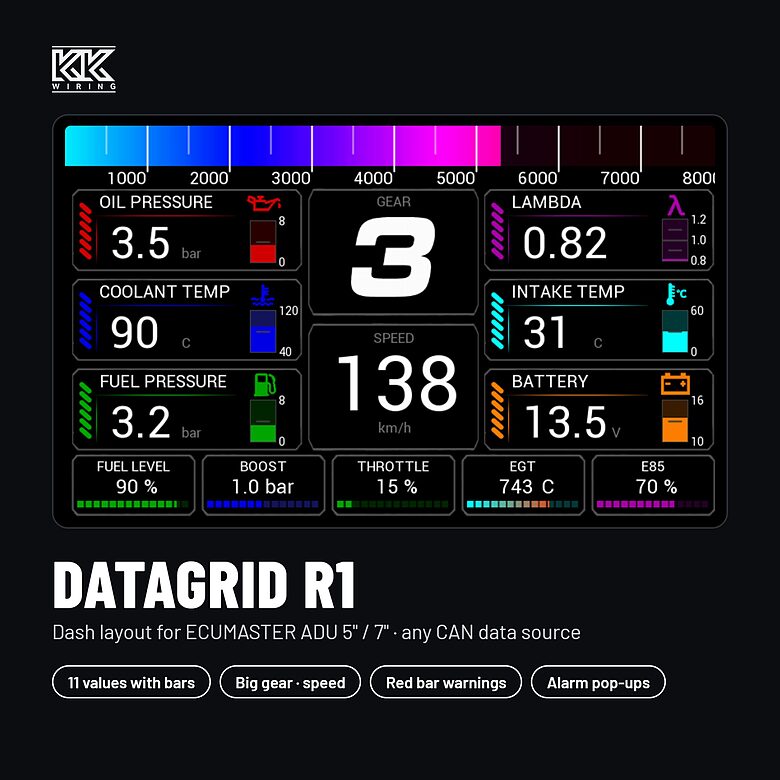
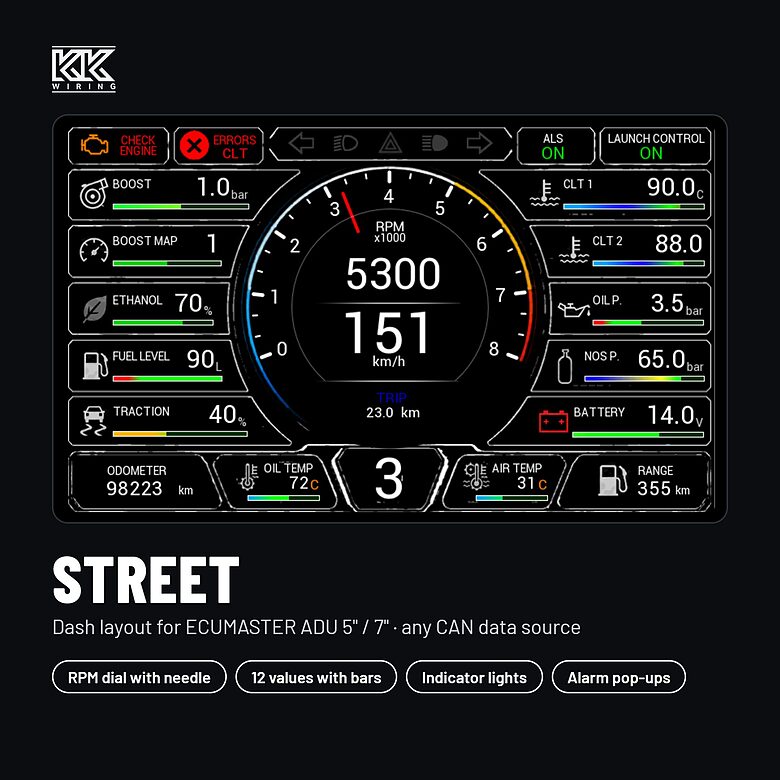
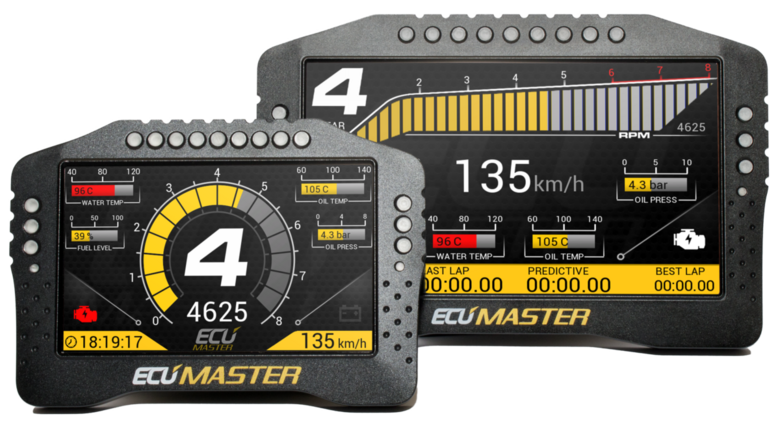
Race-focused dashboard layout with a colour RPM bar, working shift lights and a ready-made alarm strip. Works with any ECU or custom CAN data source.
ADU 5 & 7 11 shift lights Lap timing 55% memory
- Digital product – instant download after purchase.
- Includes .adu project file and README guide.
- The price is shown including VAT. VAT is automatically removed for valid EU business customers with a VAT number.
What's on screen
| 1 | Shift lights – 11 LEDs from one rpm table |
| 2 | Gear – large gear indicator |
| 3 | Speed – large km/h readout |
| 4 | RPM bar – 0–8000 rpm, 64 colour segments |
| 5 | Core data – oil pressure, coolant, fuel level |
| 6 | Lap timing – lap delta, reference and running lap |
| 7 | Alarm strip – OIL P, WATER, BATT, CEL |
How it works
Shift lights are driven by one rpm table, so you change the points in a single place. The alarms use ADU functions with short delays, so a quick dip in oil pressure in a corner does not set them off: oil pressure below 1.0 bar, coolant 105 °C or higher, battery below 12.0 V, and CEL from the ECU error flags. Lap timing uses the ADU built-in lap timer (GPS required).
Specs
| Displays | ECUMASTER ADU 5 and ADU 7 |
| ECU / data | Any ECU or custom CAN source – delivered set up with EMU Black channels |
| ADU project memory | about 55% |
| Widgets used | 132 of 160 |
| Shift lights | Yes, 11, table driven |
| Alarms | Oil pressure, coolant, battery, CEL |
| Lap timing | Yes (GPS required) |
| ADU Client | 120.2.2 or newer (official download: ecumaster.com/products/adu) – also works with 122 beta |
Install in two ways
Complete project
Open the .adu file, check the CAN settings and write it to your ADU.
Merge into yours
File › Merge project (Ctrl+M) keeps your existing pages and settings. The README lists exactly what to select.
FAQ
Does it work with my ECU?
Yes. The layout works with any ECU or custom CAN data source. The project is delivered set up with EMU Black data channels; for another source, link the channels to your CAN inputs in ADU Client – the README shows how.
Can I change colours and alarm limits?
Yes. Everything is editable in ADU Client; the README shows where.
How do I add it to my existing project?
Use File › Merge project (Ctrl+M) in ADU Client. The project uses 132 of 160 widgets, so your other pages can use about 28 more.
The project is made using EMU Black data channels; other ECUs and custom CAN sources need the channels linked in ADU Client. Fuel Level needs a fuel level sensor input on the ADU. Independent product by KK-WIRING for ECUMASTER ADU. ECUMASTER is a trademark of its owner.
Related products